Is it free?
Yes. During beta, all features are free with no limits. Pricing launches later — early users get a loyalty discount.
What telemetry formats are supported?
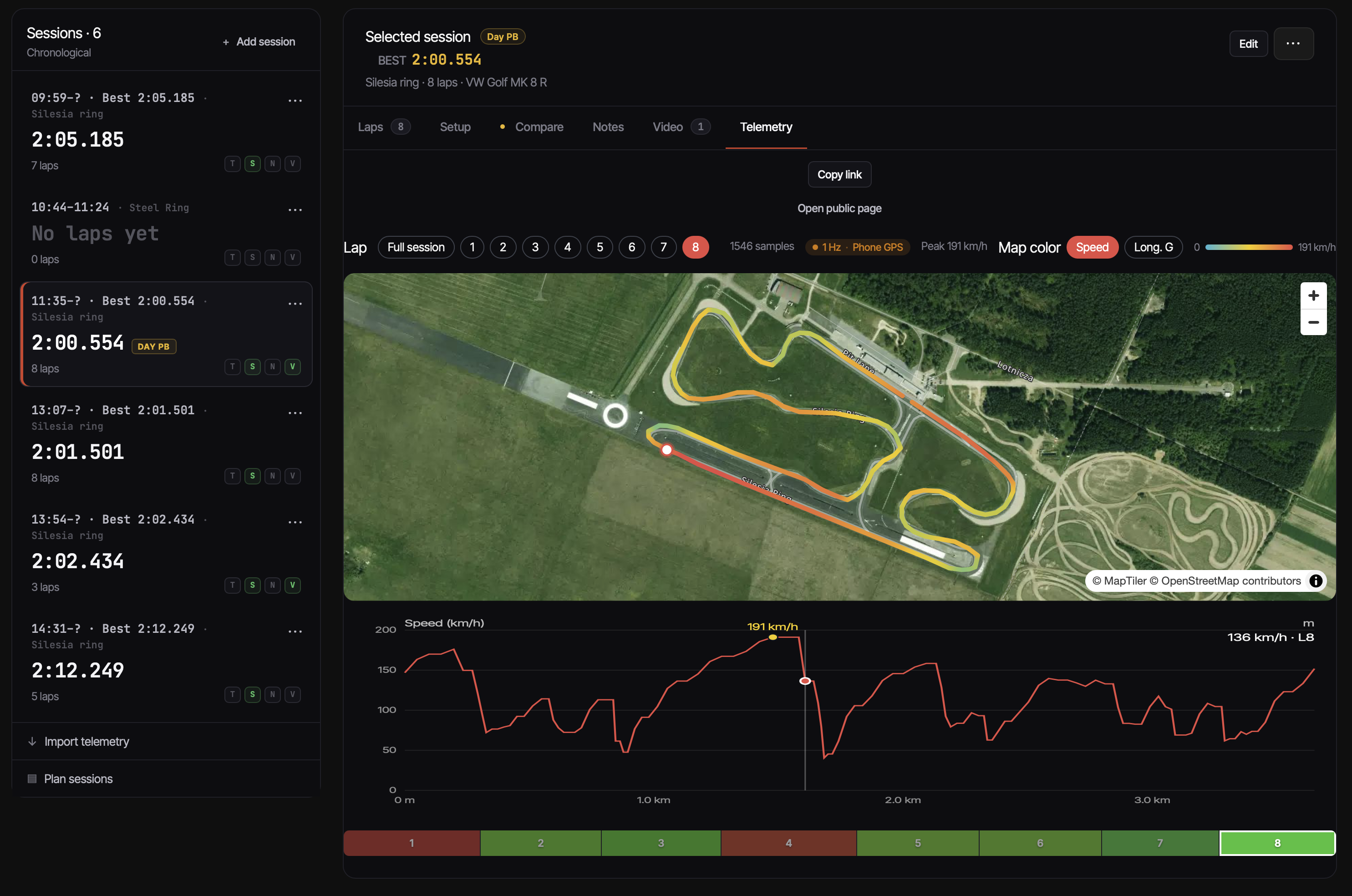
RaceChrono .rcz files, RaceChrono CSV v3, RaceBox CSV, and VBO files exported from RaceChrono Pro or the RaceBox app. More formats are on the way.
Can I make an overlay video from my onboard footage?
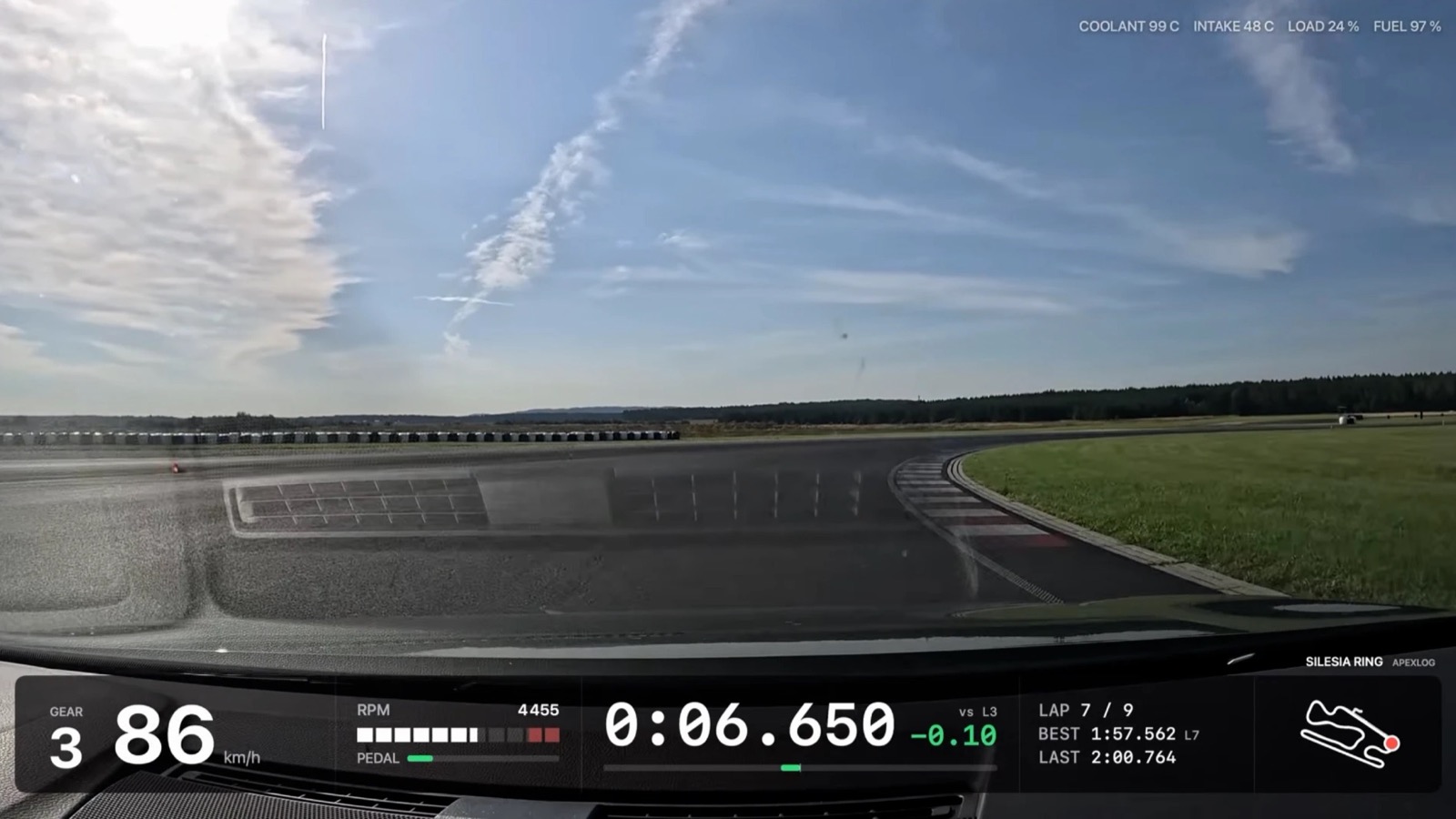
Yes, in a desktop browser (Chrome, Edge or Safari). Open the session, pick the original camera file and ApexLog renders an MP4 with your data on top; the file is never uploaded. GoPro files with GPS sync automatically (tested on a HERO13 Black). For a GoPro without GPS, such as the HERO12 Black, or another camera that records MP4, you place one sync point by hand. The same overlay also plays live on a video played from disk.
Can I watch my onboard without uploading it?
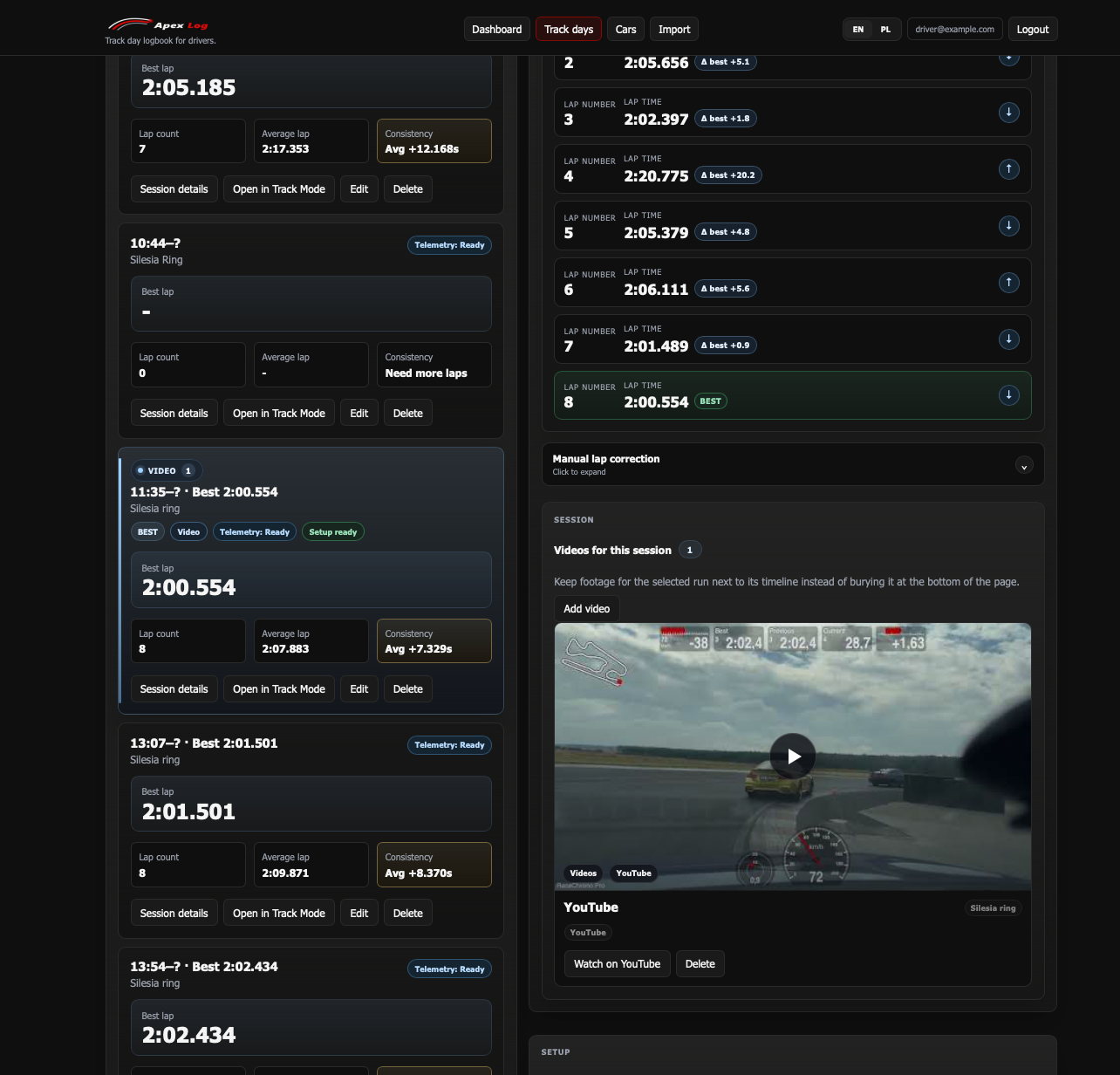
Yes, on a computer. On a session's Telemetry tab, play the video from disk or link the folder with your GoPro clips, such as the SD card. It plays synced to the track map and speed trace, with the overlay on the picture, and nothing is uploaded. Chrome and Edge remember the file or folder; Safari and Firefox ask again on each visit. YouTube links still work too.
Does ApexLog record what I say, and where does the audio go?
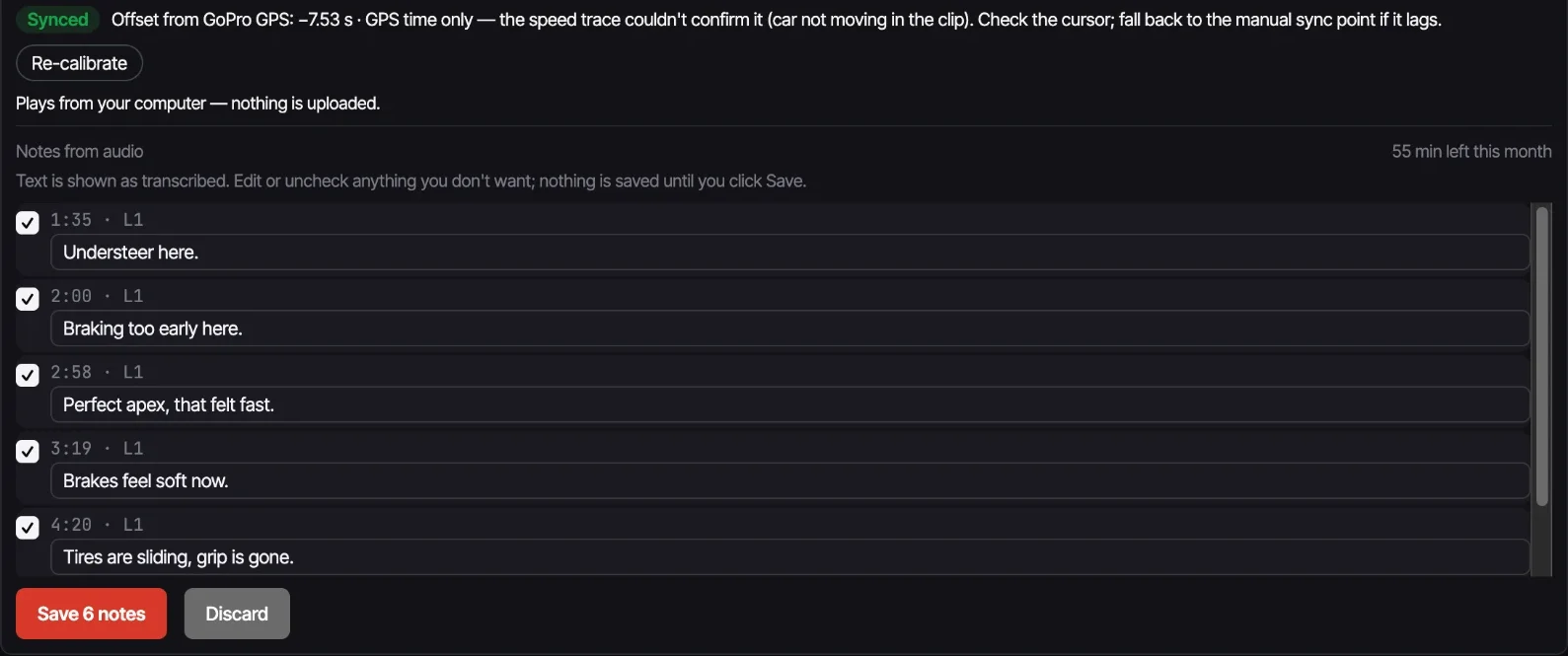
Notes from audio doesn't record anything: it works on a GoPro video you already have. Your browser finds the stretches where you speak and sends only that speech for transcription, processed in the EU. The audio is not stored, and neither is the text unless you save the notes after reviewing them. There is an allowance of 60 minutes of speech per month.
Which camera or video works?
GoPro HERO11 or newer and MAX record GPS, so their original files sync automatically from the camera's GPS time (tested on a HERO13 Black). MAX files should sync the same way, but I haven't tested one. Any other video your browser can play, from another camera or a phone, works with one manual sync point. A file the browser can't decode, often HEVC/H.265, shows a message instead of playing.
Which browser works best?
Chrome (or Edge) on a computer. They remember the footage folder and the video you played between visits, and rendering the overlay video is much faster: on one full 4K HEVC chapter I measured about 9× real time in Chrome and about 2× in Safari. Safari and Firefox can play from disk too, but they can't remember the folder or file, so you pick it again each visit.
Does ApexLog work with my lap timer?
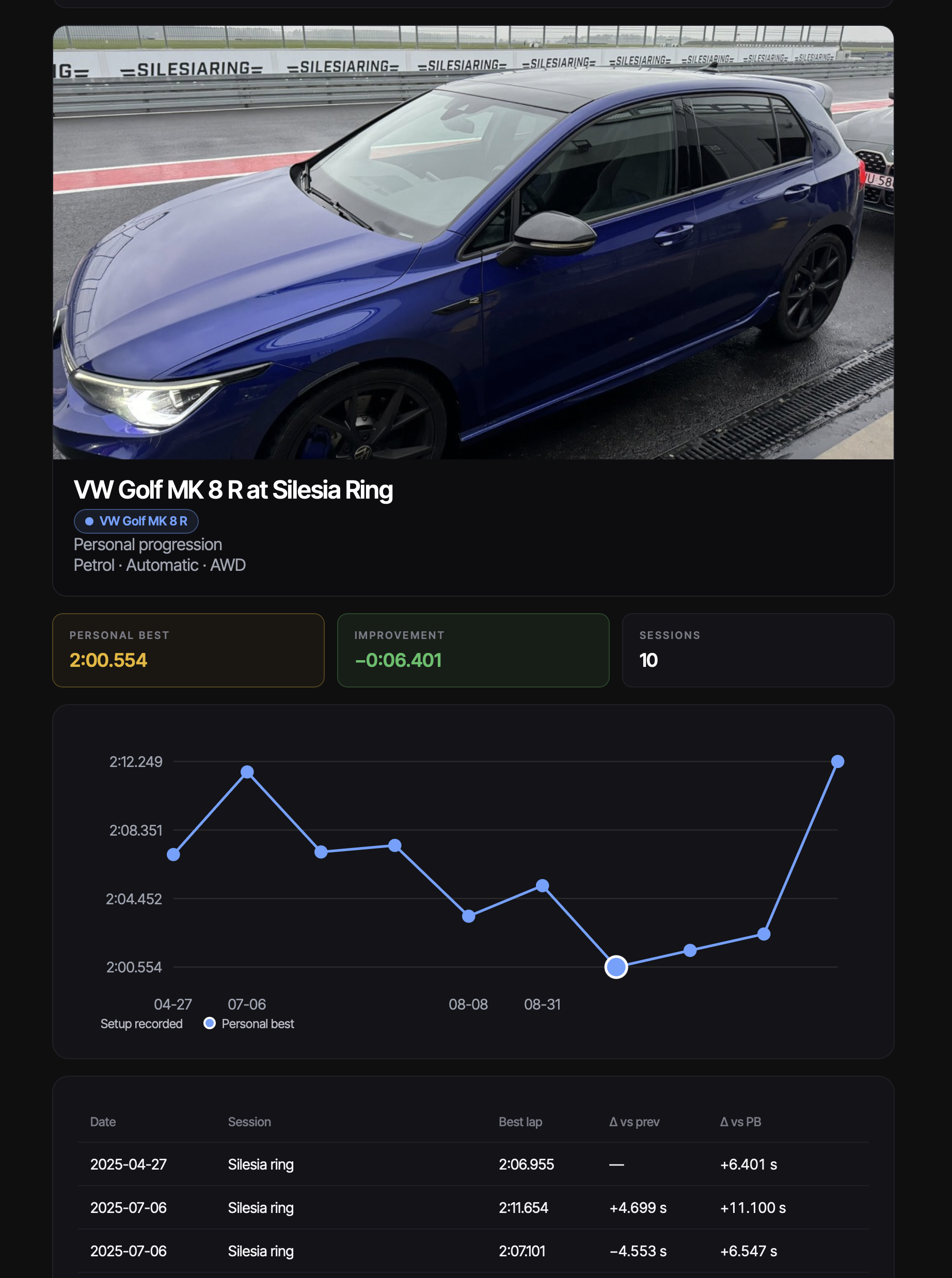
Yes — ApexLog is a companion to lap timers like RaceChrono and RaceBox. Import their data and ApexLog turns it into season-long track day analysis.
Can I use it without telemetry?
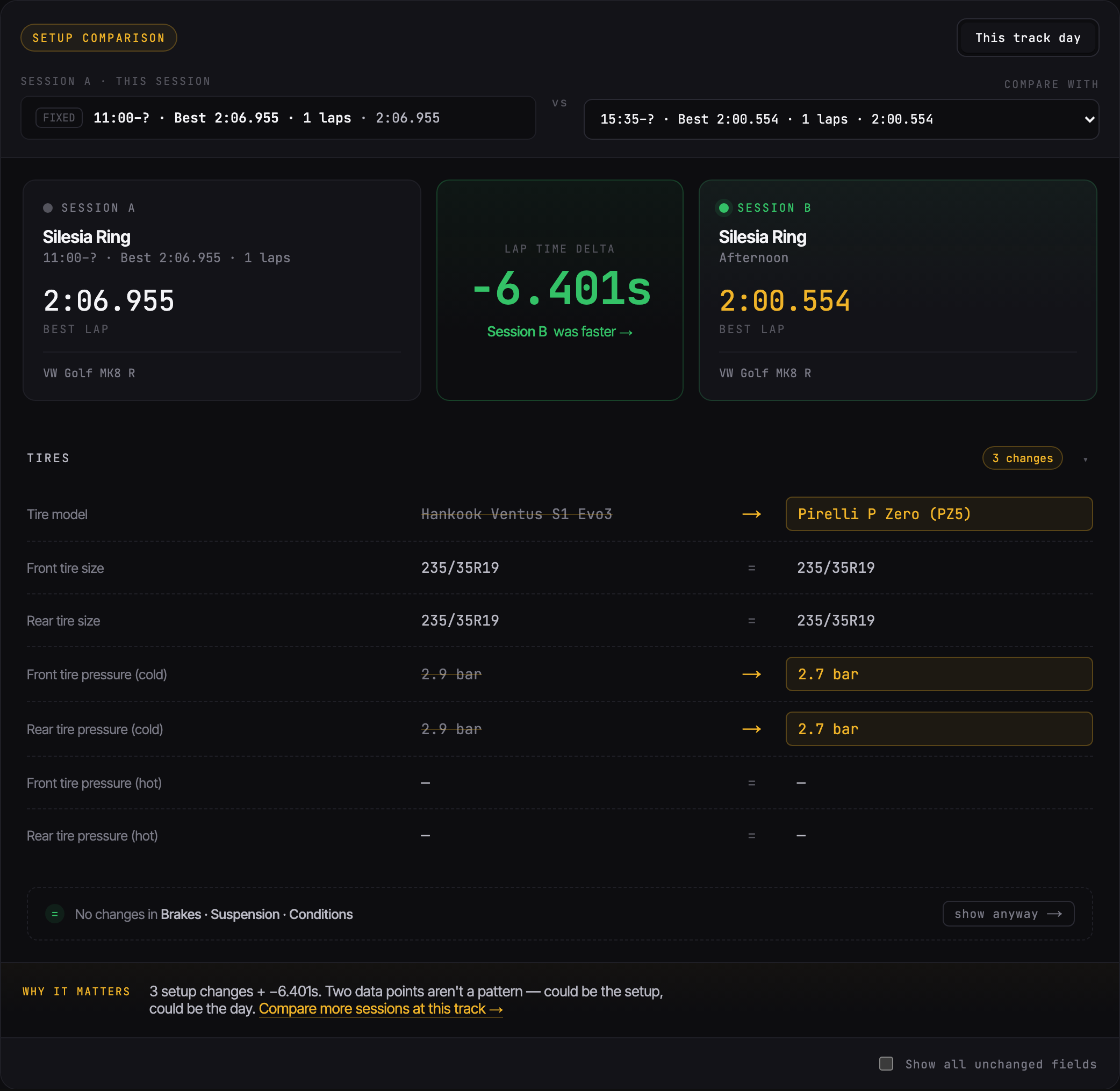
Yes. You can create track days, sessions, and laps manually. Telemetry import just makes it faster.
Is my data private?
Yes. All your data is private by default. You can optionally share individual sessions via unlisted links; telemetry only appears when you enable it for that specific session link.
What languages are supported?
English, Polish, Spanish, German, French and Italian.